
Scrapes Docs
Start using Agentic OS, Command Centre, and Team OS.
Scrapes Docs covers Agentic OS and Team OS: local AI workspaces, shared memory, skills, Command Centre, hosted teams, client access, and safe file sync.
Start with local setup if you are using Agentic OS for the first time. Start with Team OS deploy when you need a hosted server for a team.
Check prerequisites
Install Claude Code, Node.js, Git, Python, and the right terminal.
Install Agentic OS
Run the guided installer and create your local workspace.
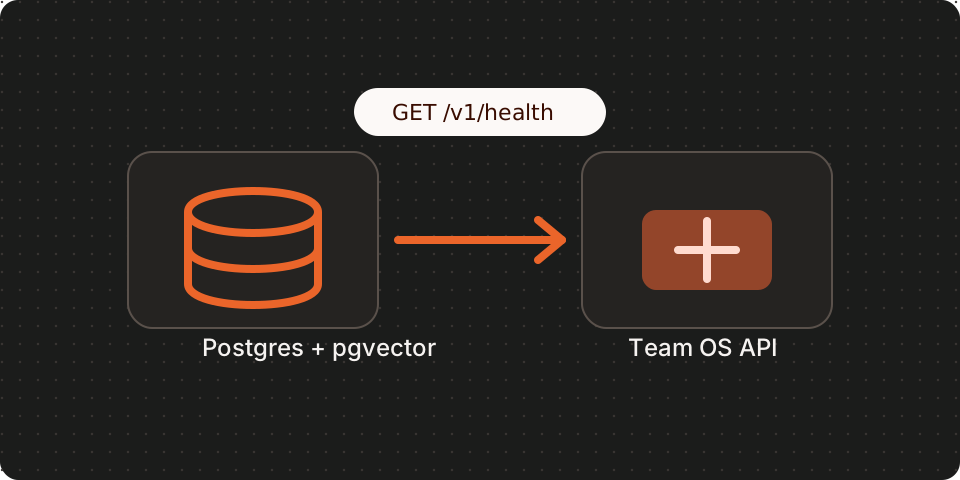
Deploy Team OS
Run the hosted Team OS API with Postgres, pgvector, health checks, backups, and secrets.
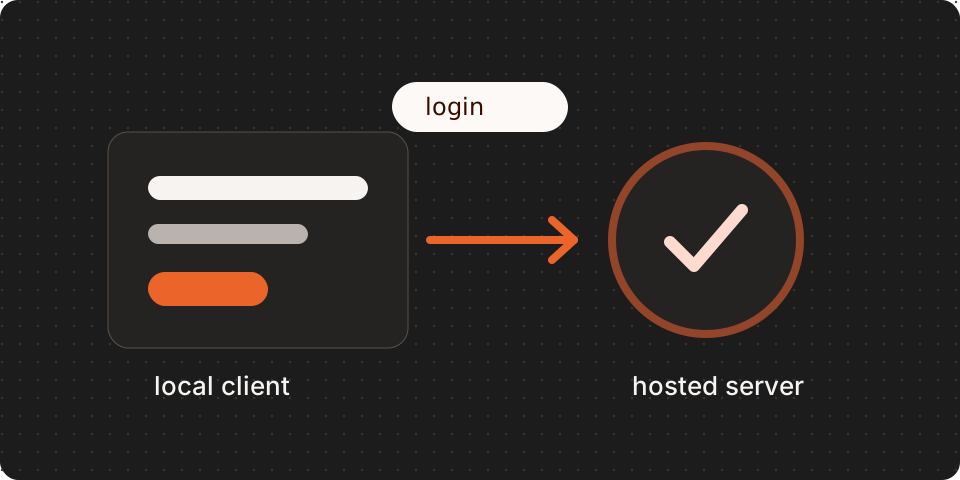
Connect a workspace
Sign in from the terminal or Command Centre, choose a Team, and verify access.
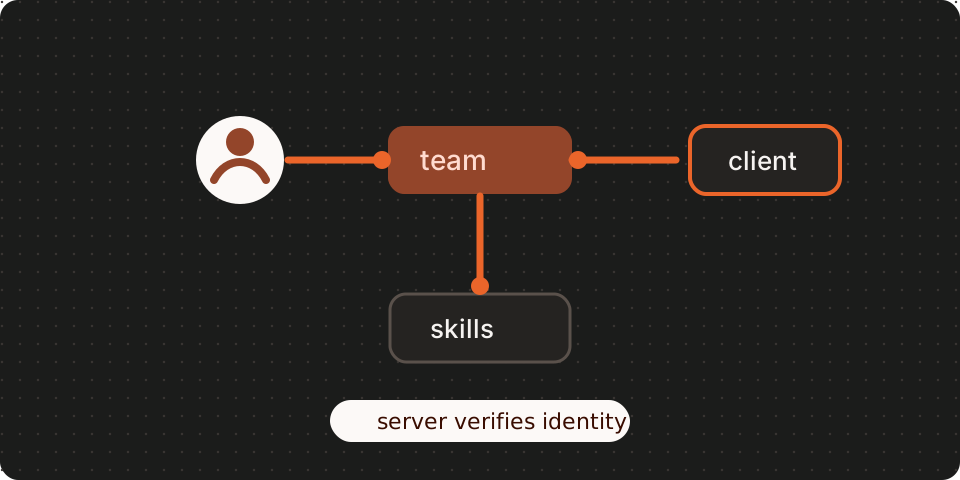
Understand permissions
Learn Company and Team roles, Full access, and member grants.
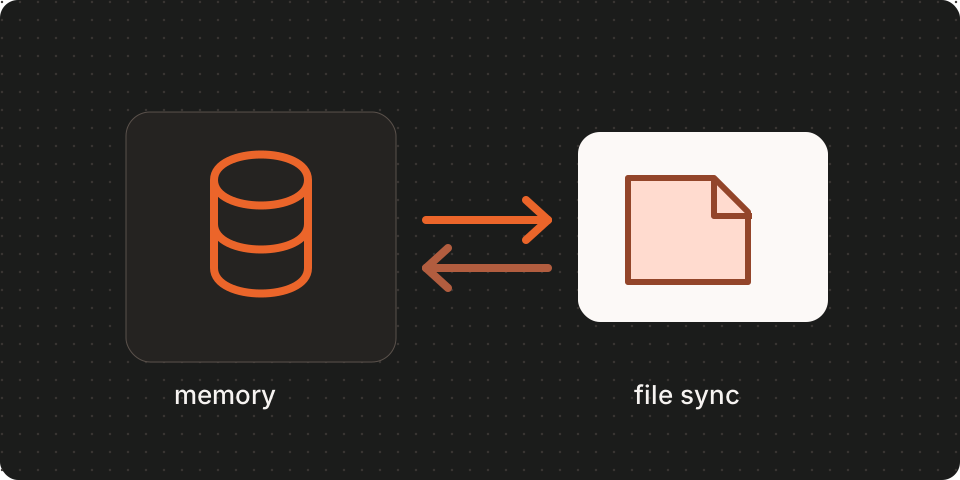
Use memory and sync
Import shared memory, search allowed context, and sync granted files safely.
Admin and troubleshooting
Manage members, invites, grants, health checks, manual verification, and common failures.
Common paths
| Goal | Start here |
|---|---|
| Check required tools | Prerequisites |
| Install Agentic OS locally | Local install |
| Confirm your first run | First run |
| Update Agentic OS | Updating Agentic OS |
| Learn the product model | What is Agentic OS? |
| Run a hosted Team OS server | Host Team OS |
| Sign in from a local workspace | Connect a workspace to Team OS |
| Verify a team setup | Team OS manual verification |